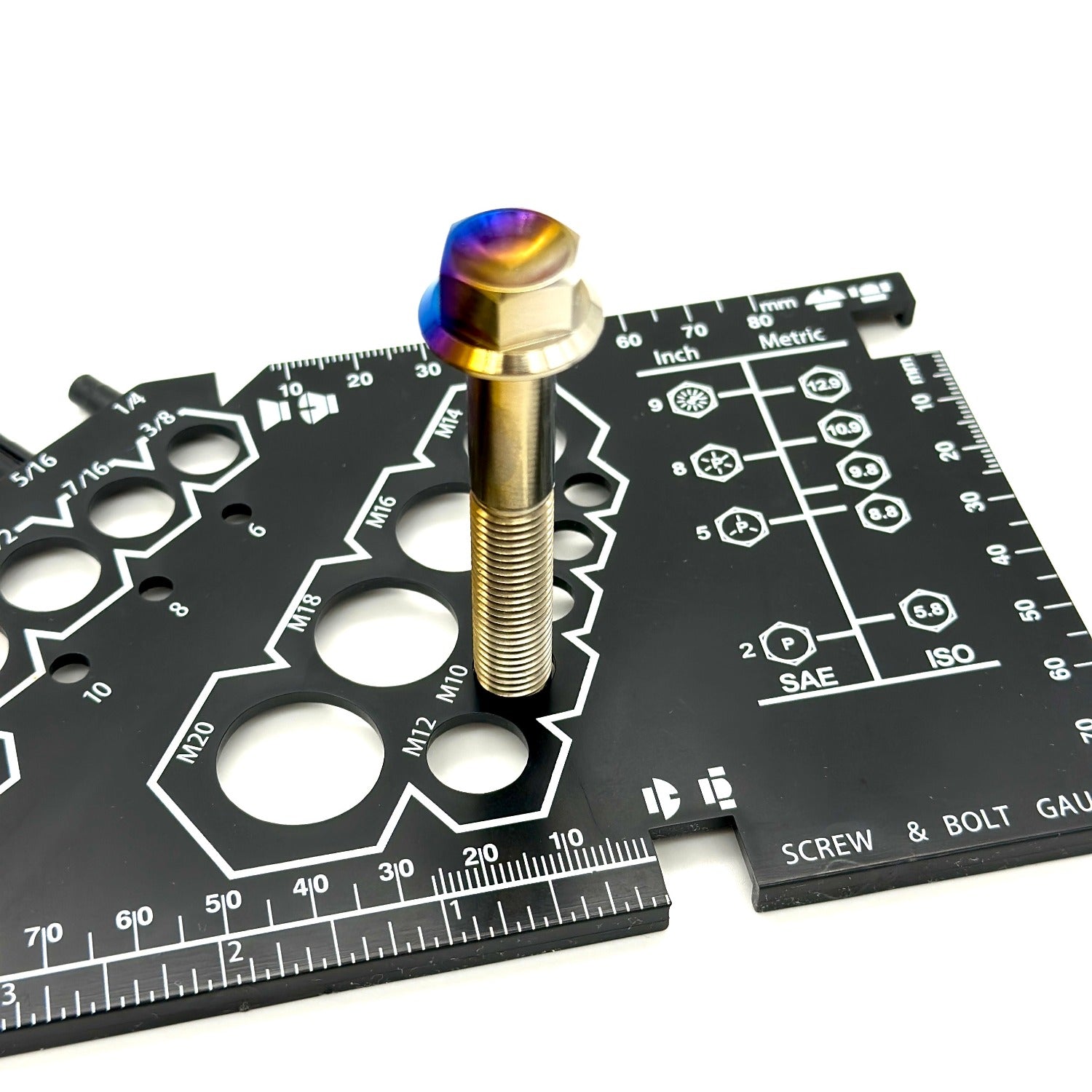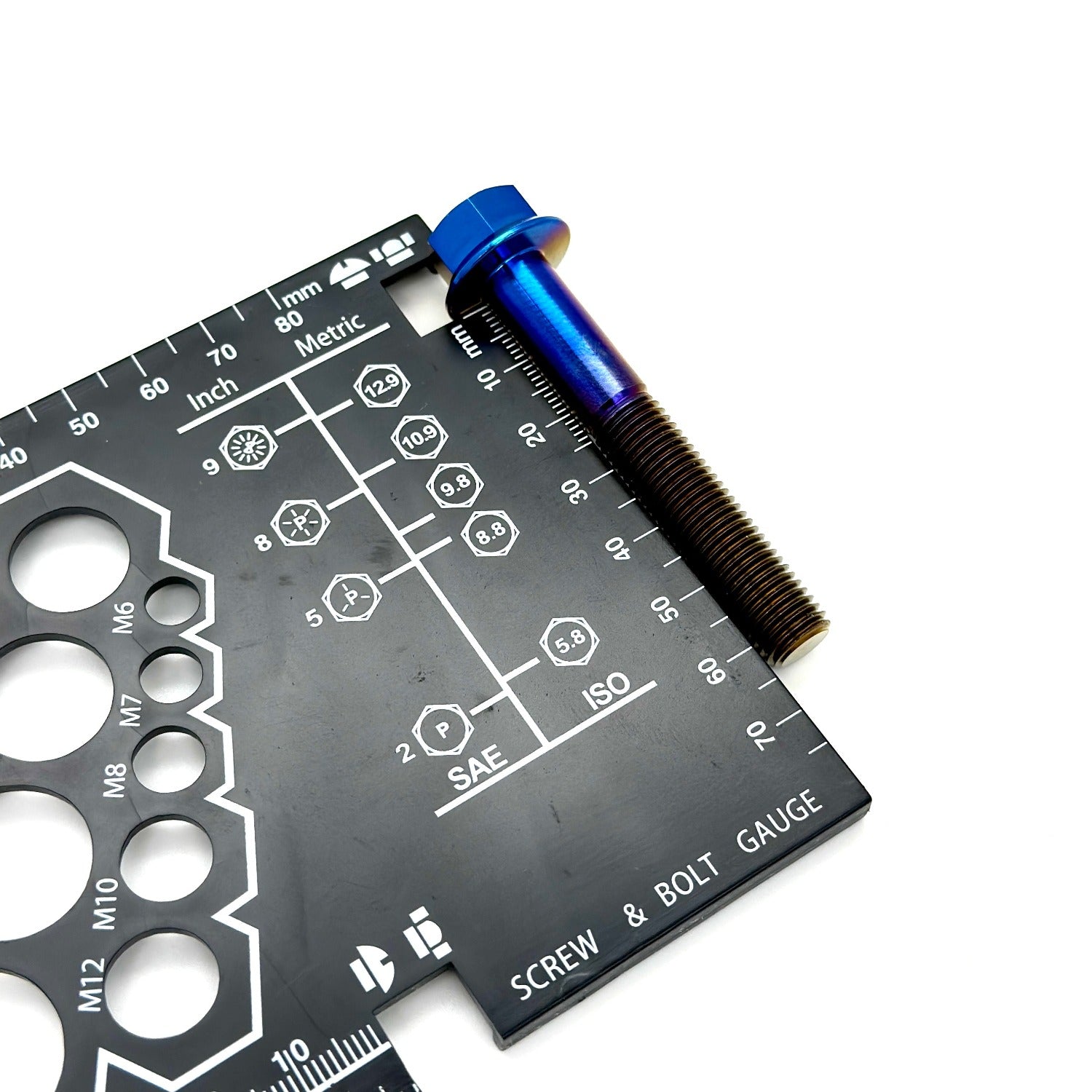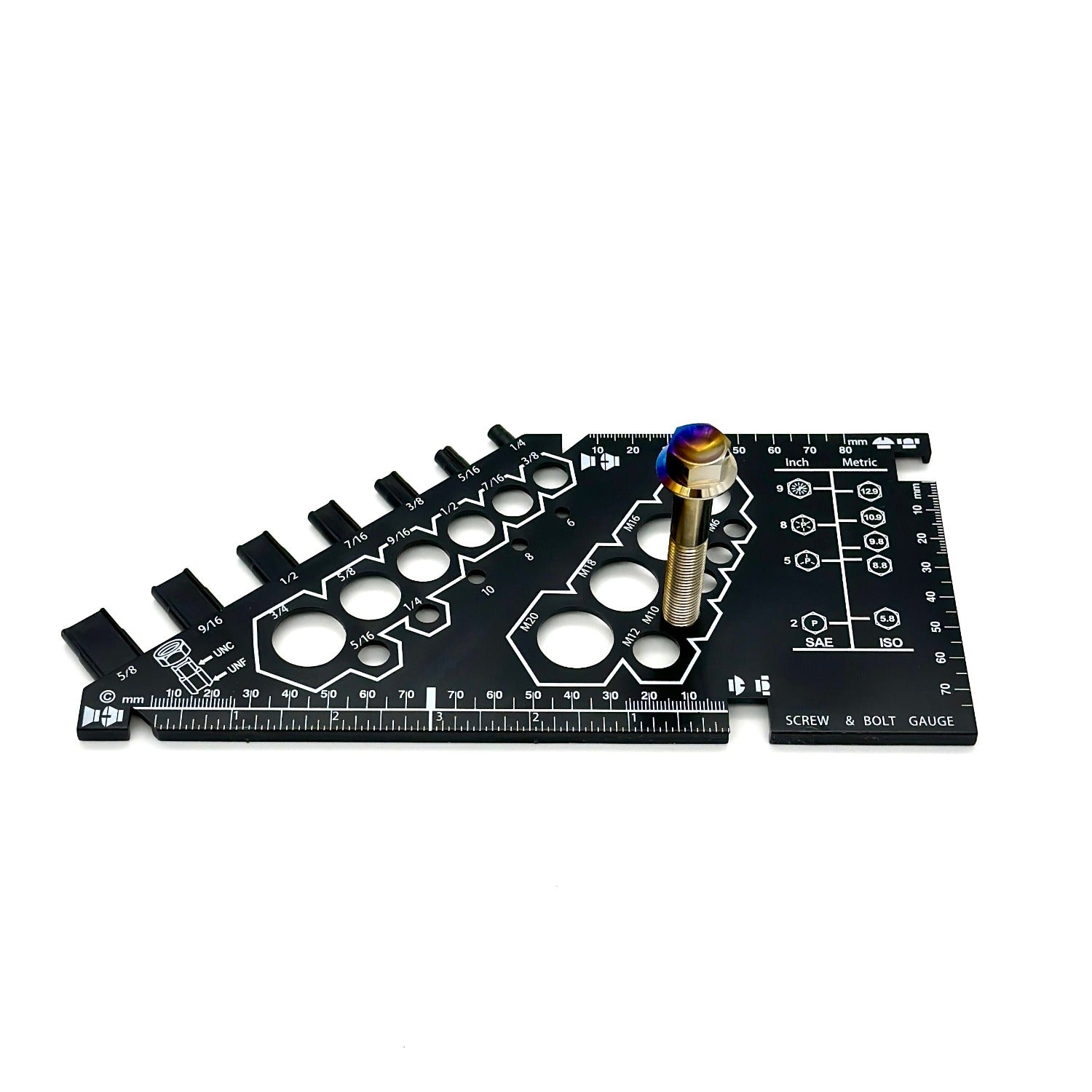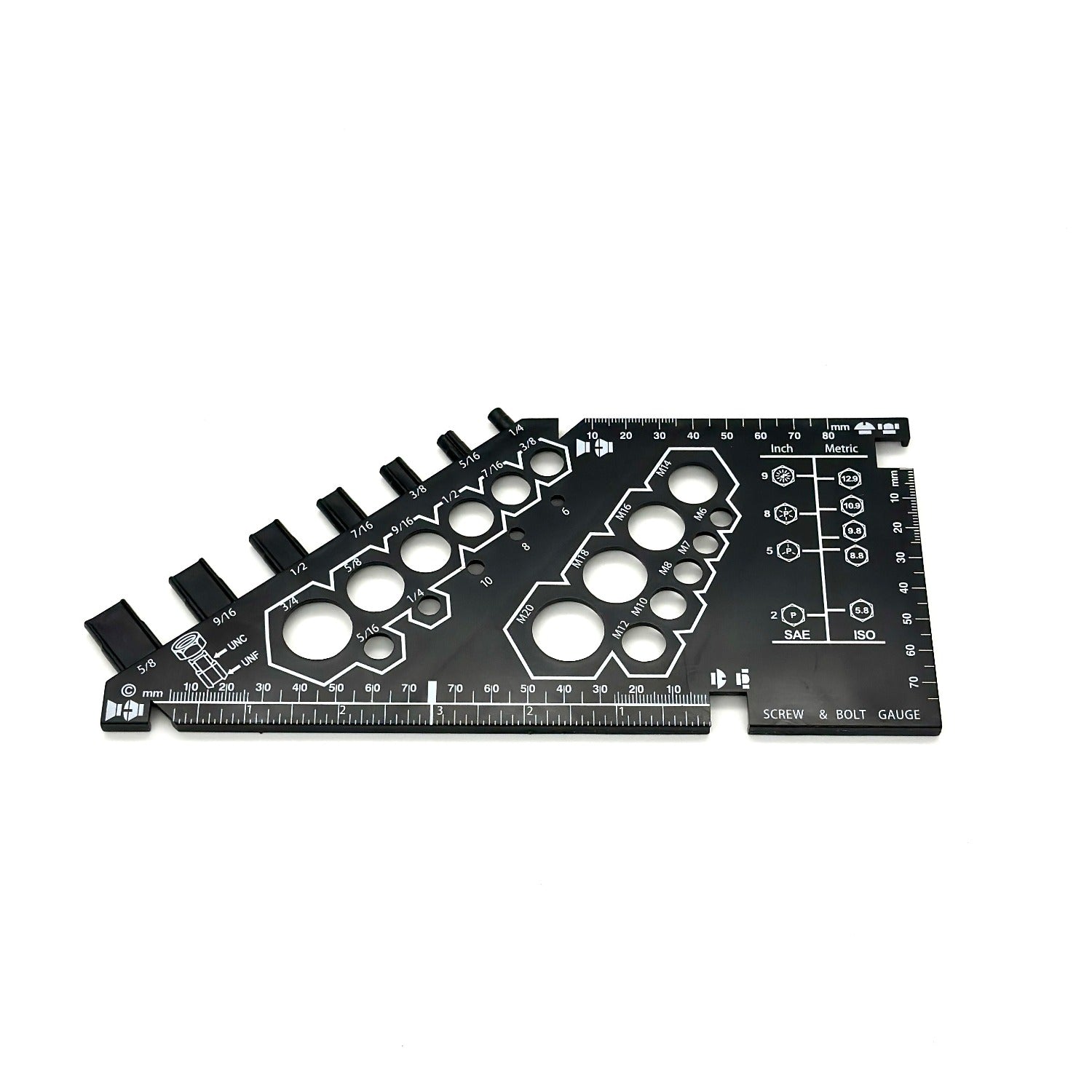
Thread Diameter
The nominal size of the bolt family. This is what determines the matching hole and hardware size.
How: Measure across the widest outside edge of the threaded shaft — not the bolt head. Use calipers if you have them.
Before you order custom hardware, confirm three measurements: thread diameter, thread pitch, and thread length.
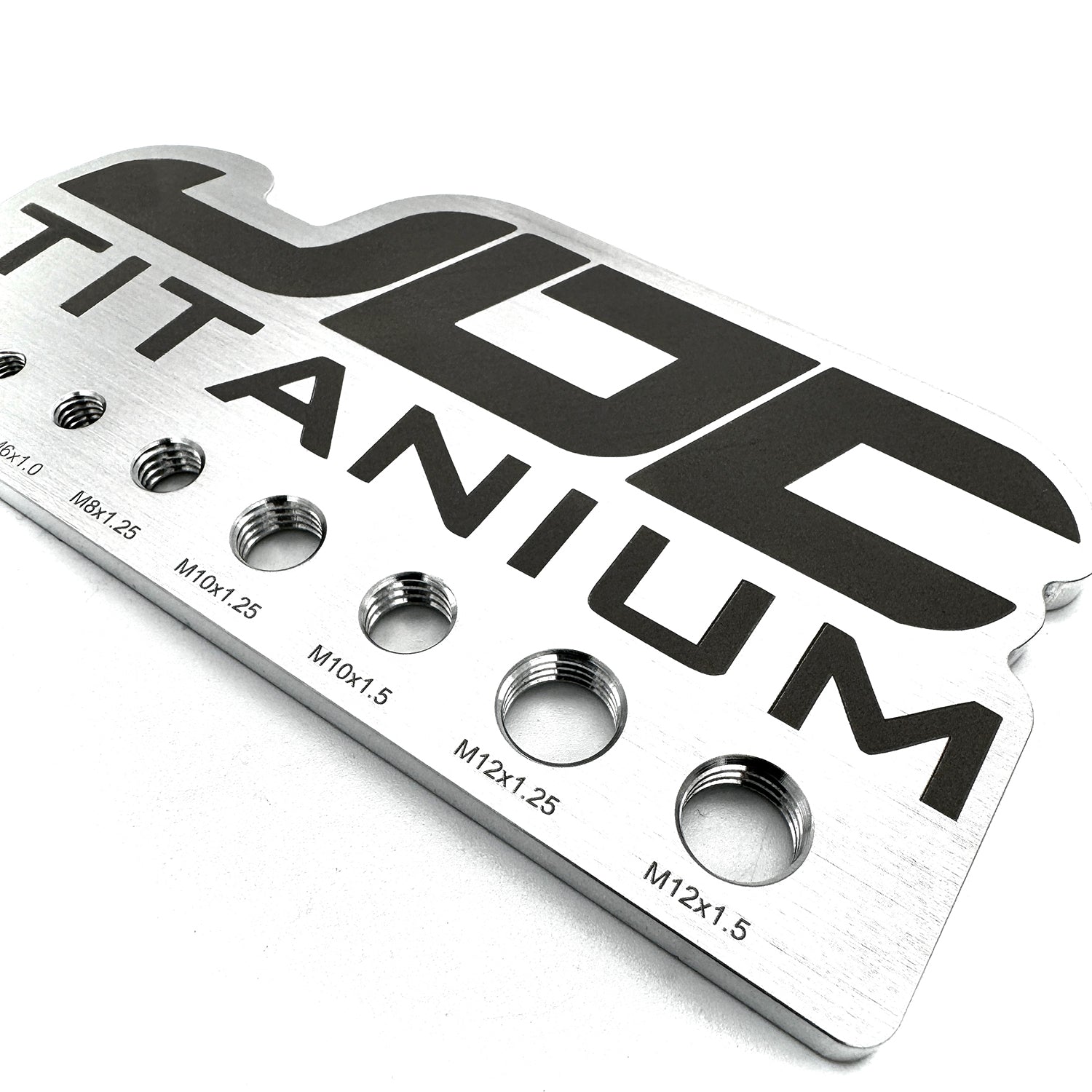
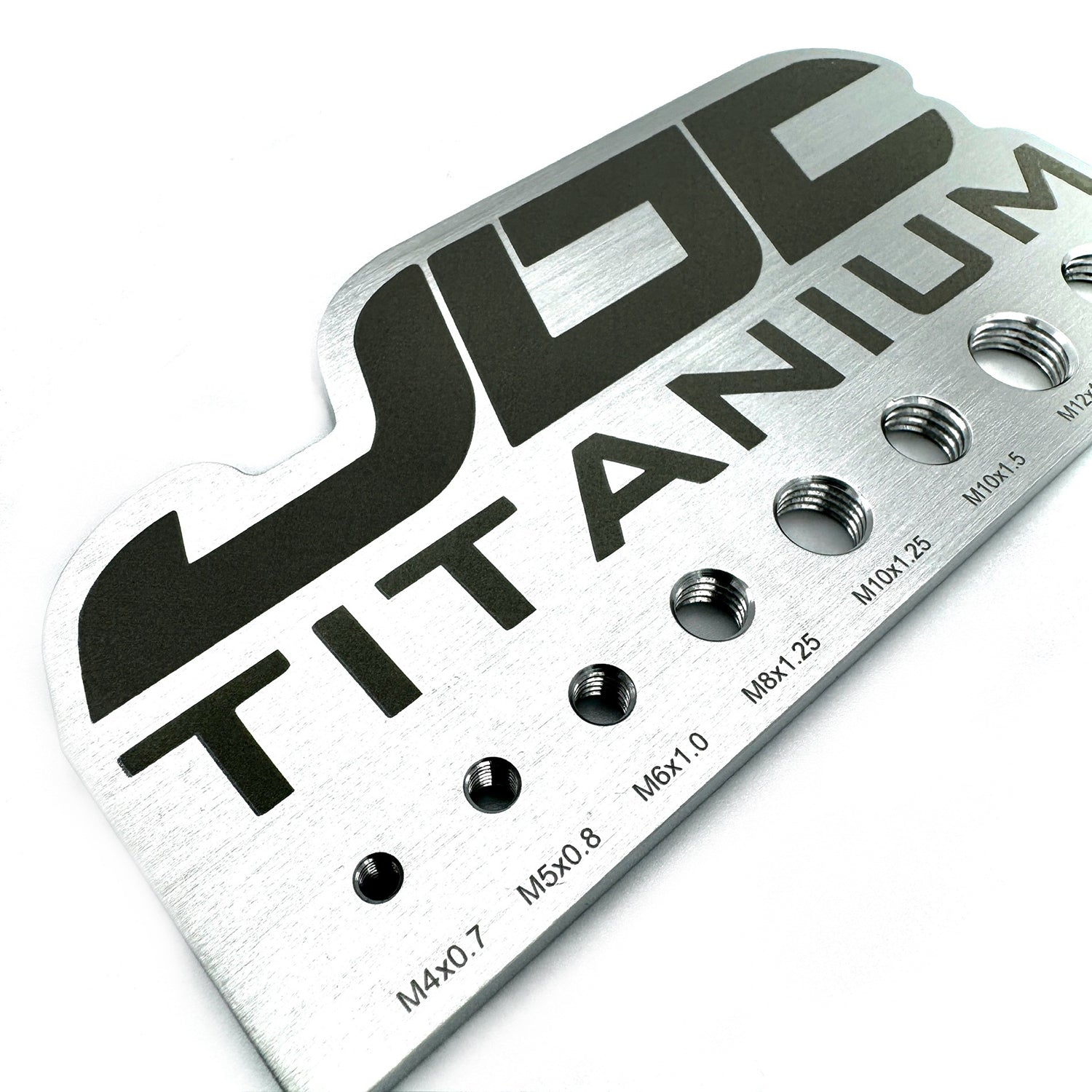
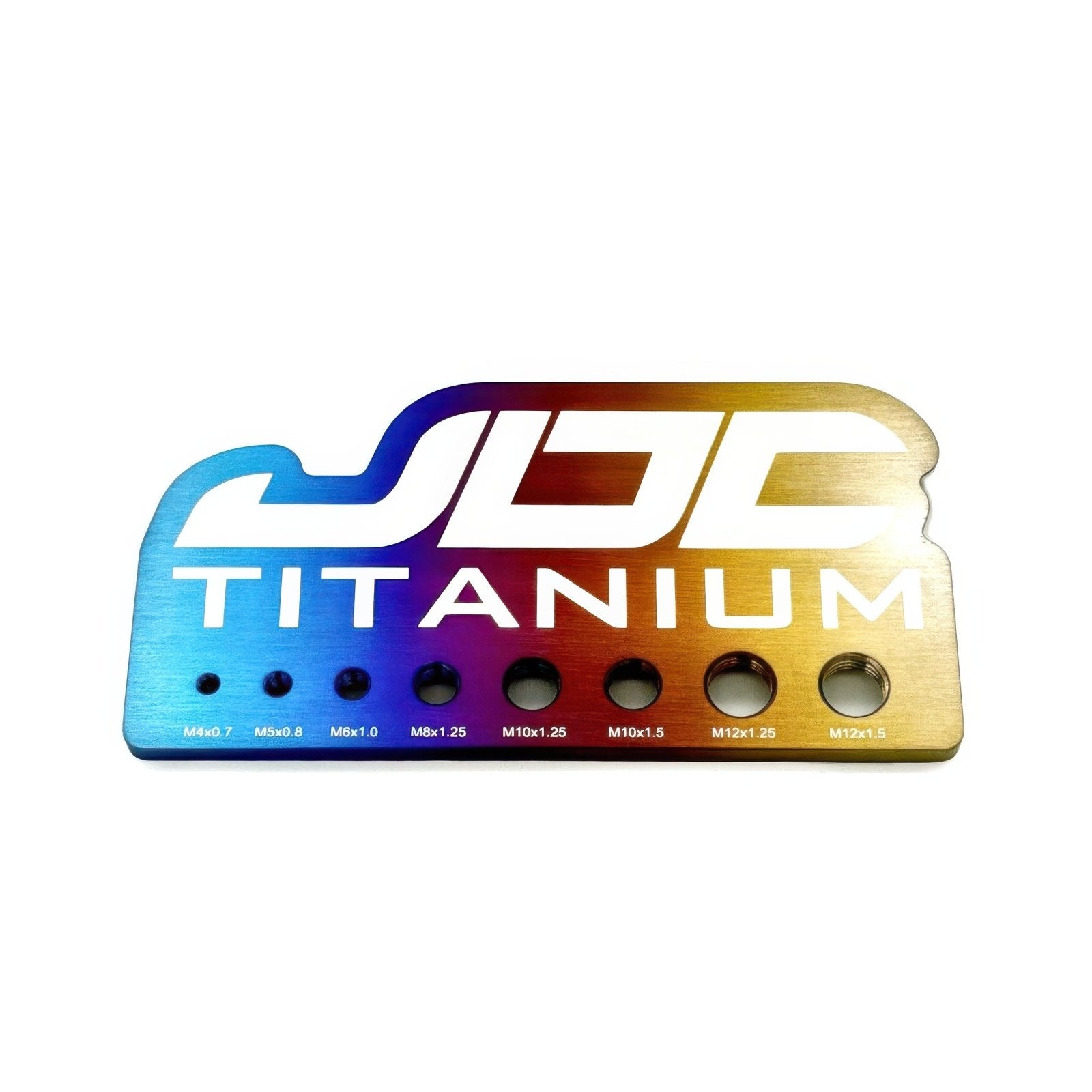
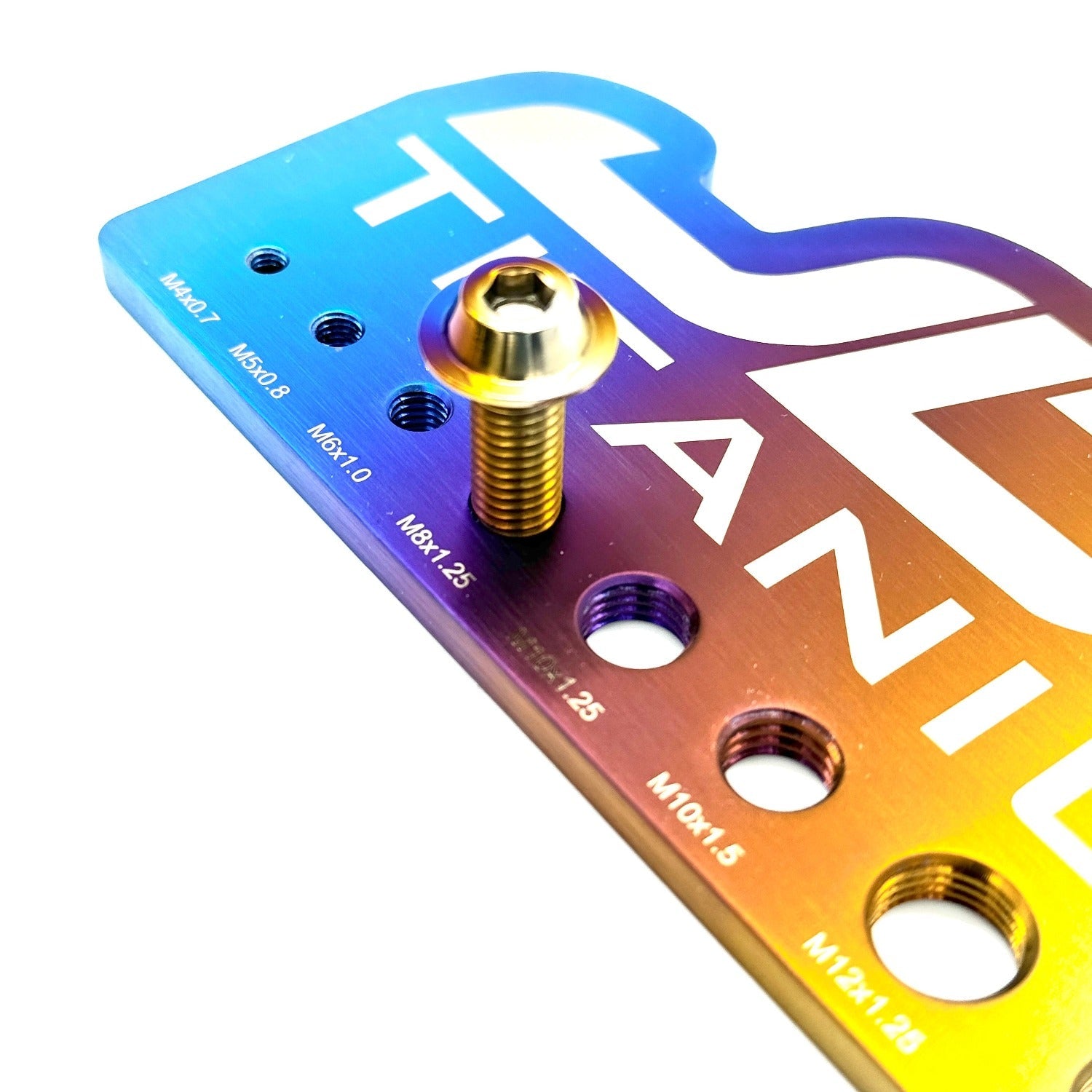
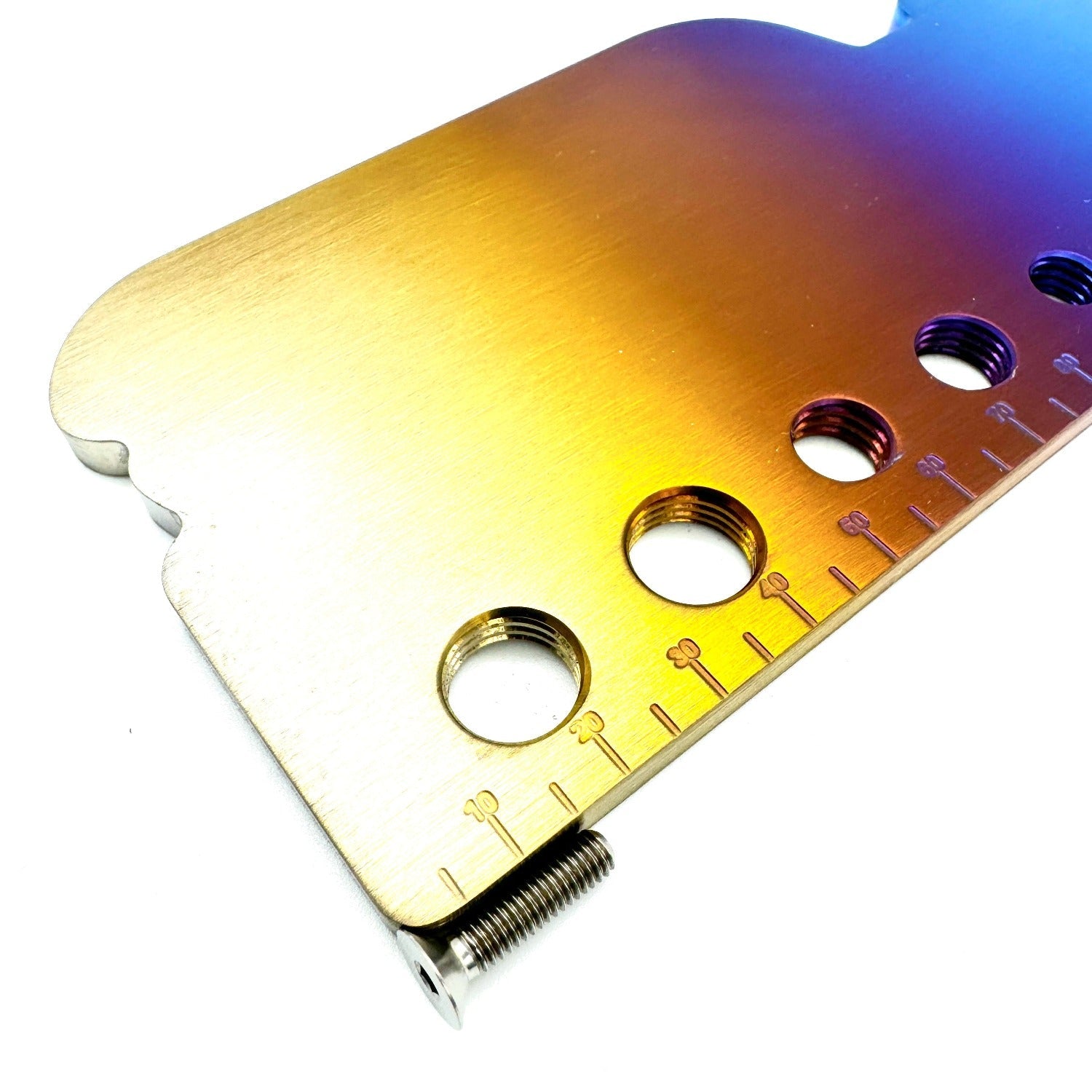
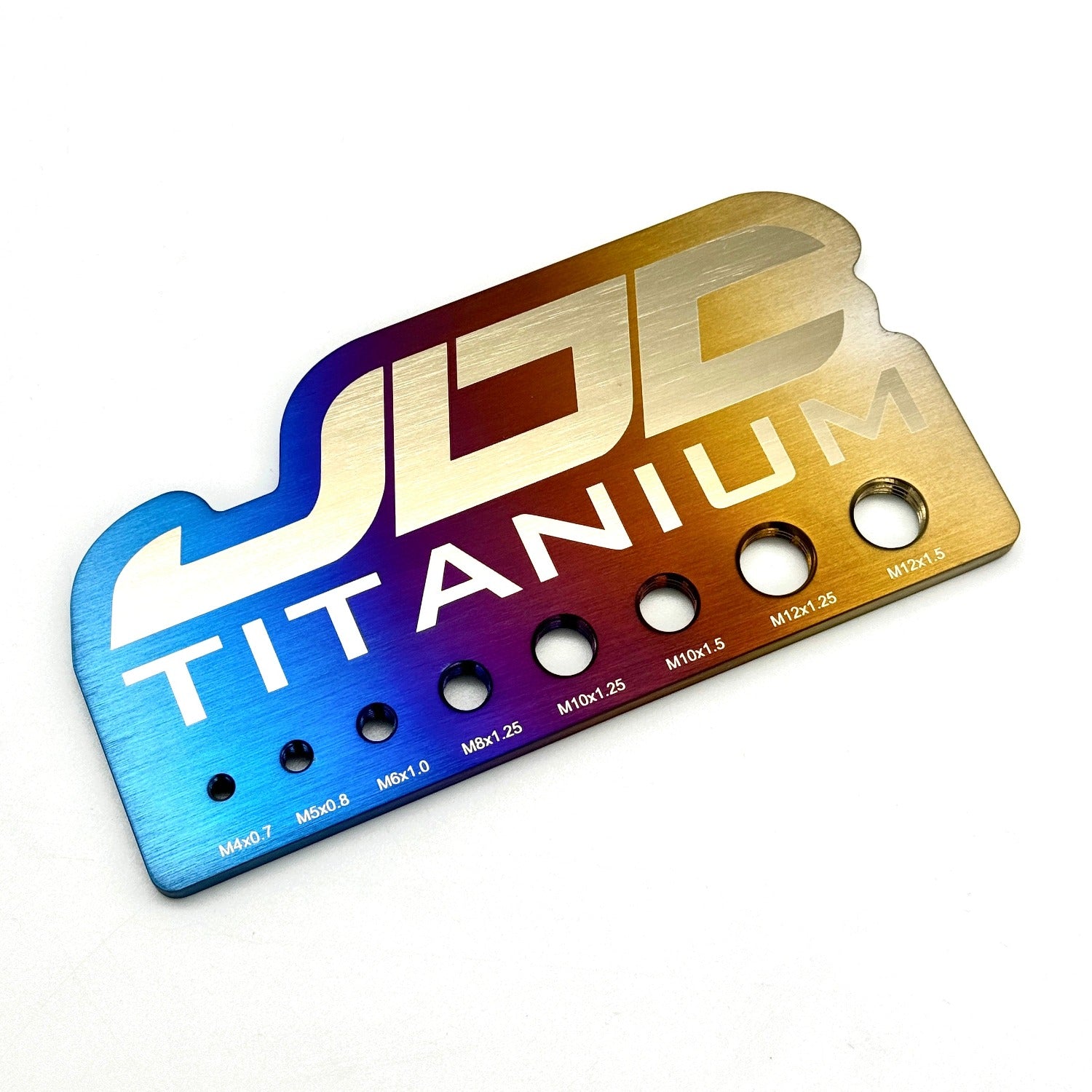
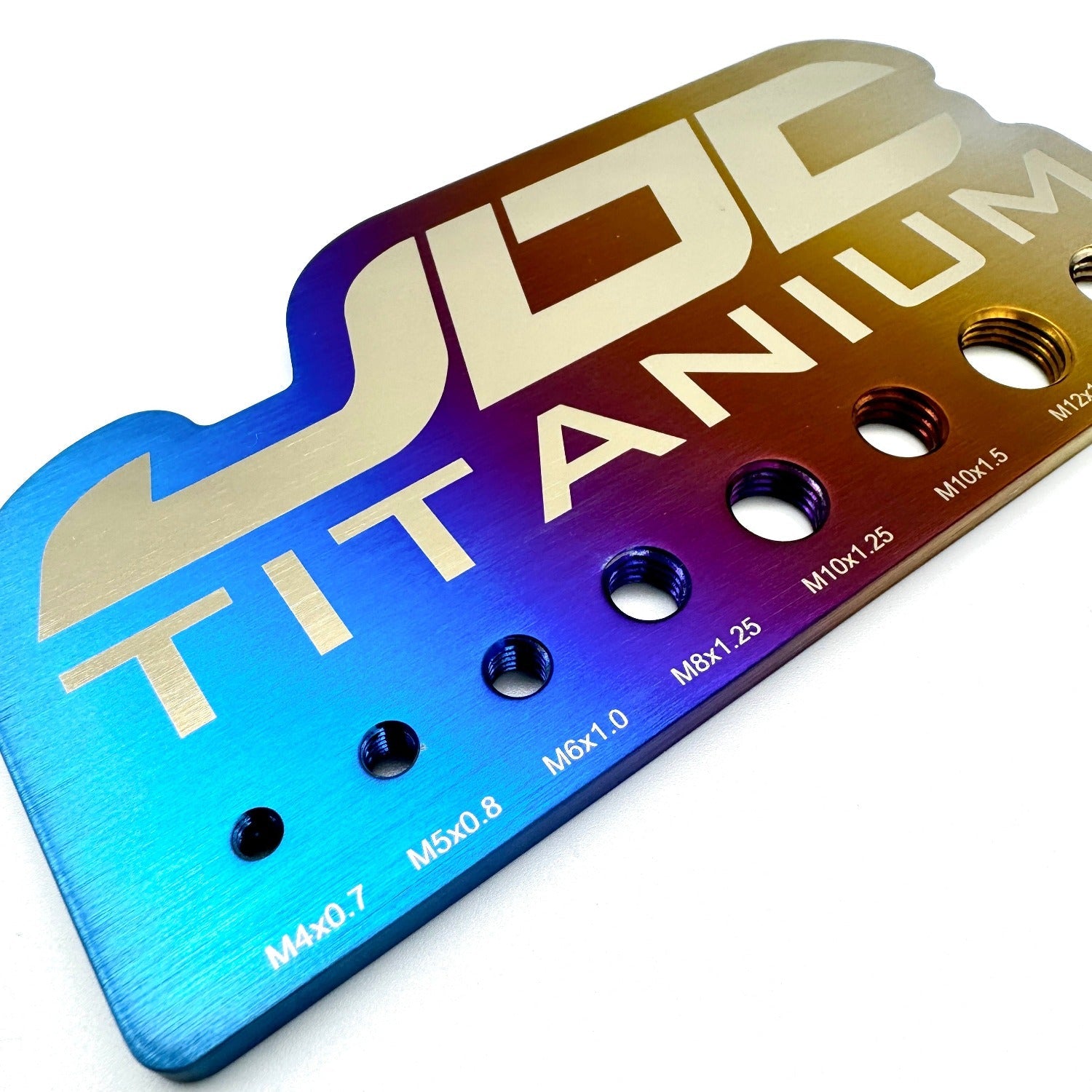
Use a metric ruler, calipers, a thread checker, or a JDC bolt gauge to match your original hardware as closely as possible. Once you know the size, you can use the JDC Kit Builder to choose the section, head style, finish, and quantity you need.
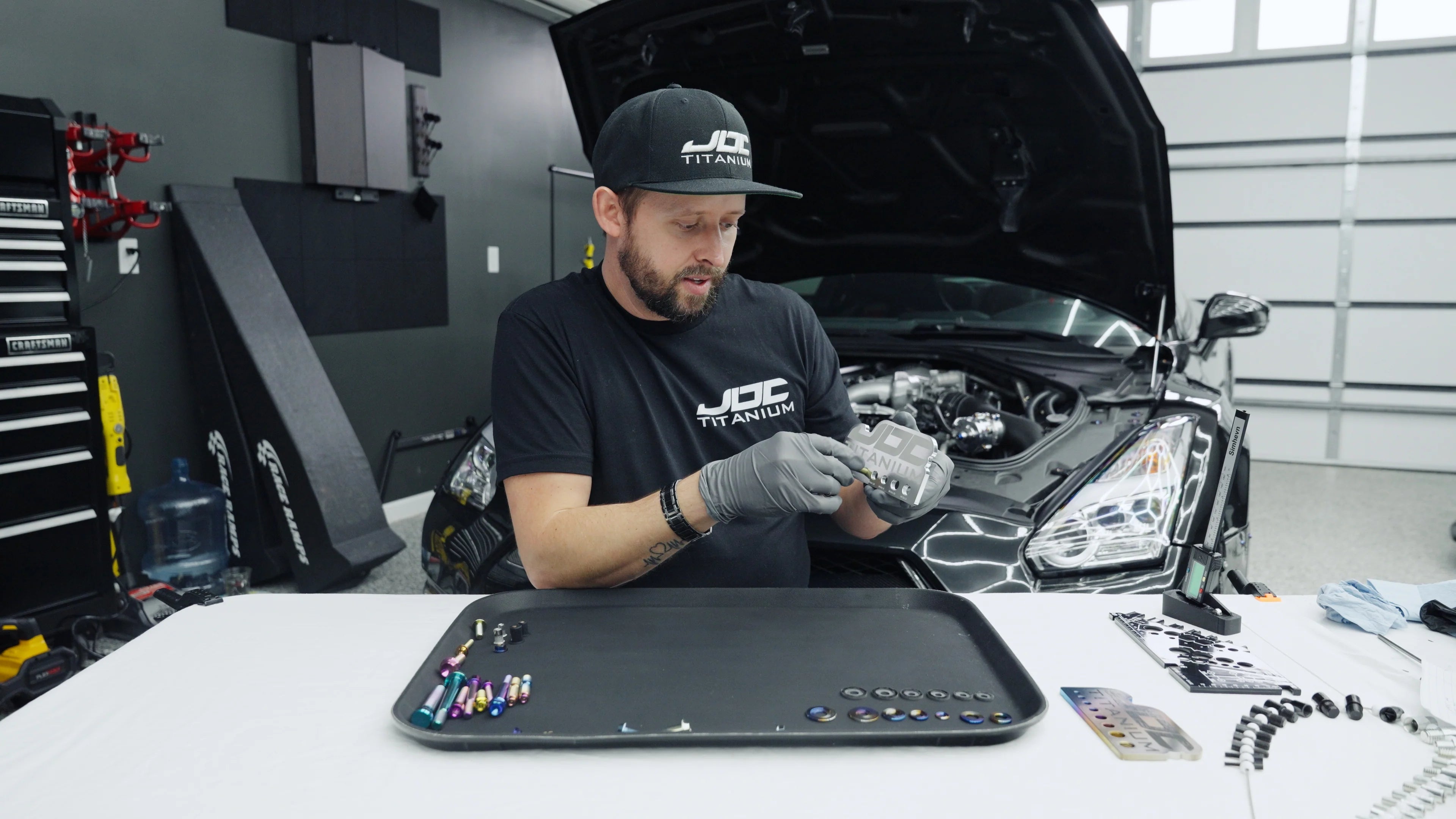
Need a visual walkthrough before ordering custom hardware?
This video walks through bolt diameter, thread pitch, thread length, nuts, and washers so you can order the correct size the first time.
Check out this guide to identify thread diameter, thread pitch, and thread length before assembling your custom hardware kit.
The nominal size of the bolt family. This is what determines the matching hole and hardware size.
The distance between threads. Bolts can share the same diameter but use different pitch.
How far the bolt reaches into the assembly. Measure with the bolt out, not installed.
Confirm thread diameter, thread pitch, and thread length before choosing replacement hardware.
Whenever possible, measure the original hardware outside the vehicle and confirm the pitch before tightening.
Use your confirmed measurements in the JDC Kit Builder to choose the section, bolt style, finish, and quantity.
Once you know the diameter, pitch, and length, open the kit builder to choose your section, bolt style, finish, and quantity.
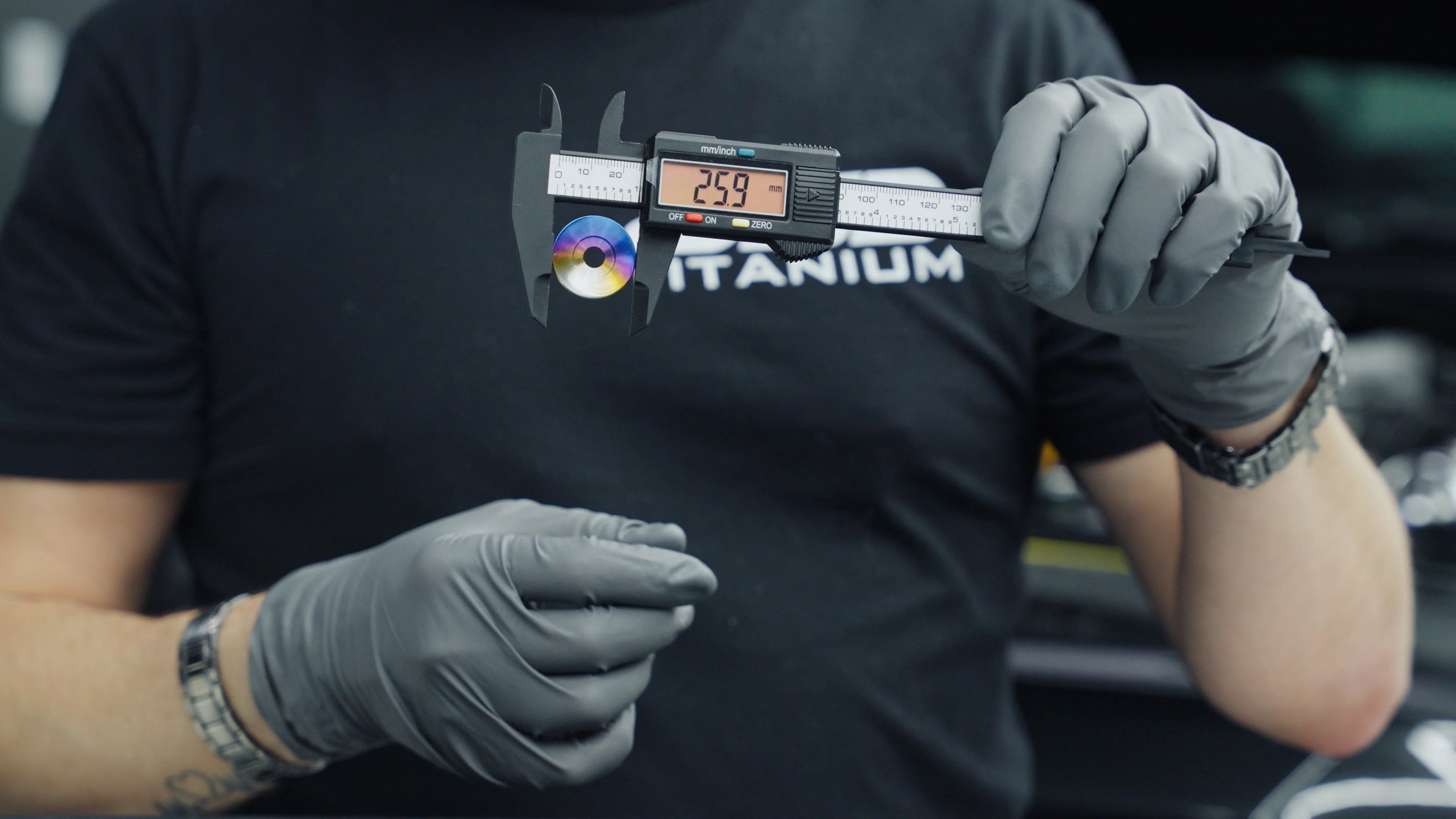
Nuts match the bolt diameter and thread pitch. Washers match the bolt diameter, but the outside diameter depends on the area you need to cover.
If you already removed the original bolt, use it as the reference when choosing the matching nut or washer.

Use this as a quick visual reference before choosing replacement hardware in the kit builder.
Want to double-check your measurements?
These tools help confirm thread diameter, pitch, and length before you order custom hardware.